Registry Settings
Modify the registry:
-
Open
 Start Menu > Registry Editor.
 -
Navigate to the following key:
HKEY_LOCAL_MACHINE\System\CurrentControlSet\Control\FileSystem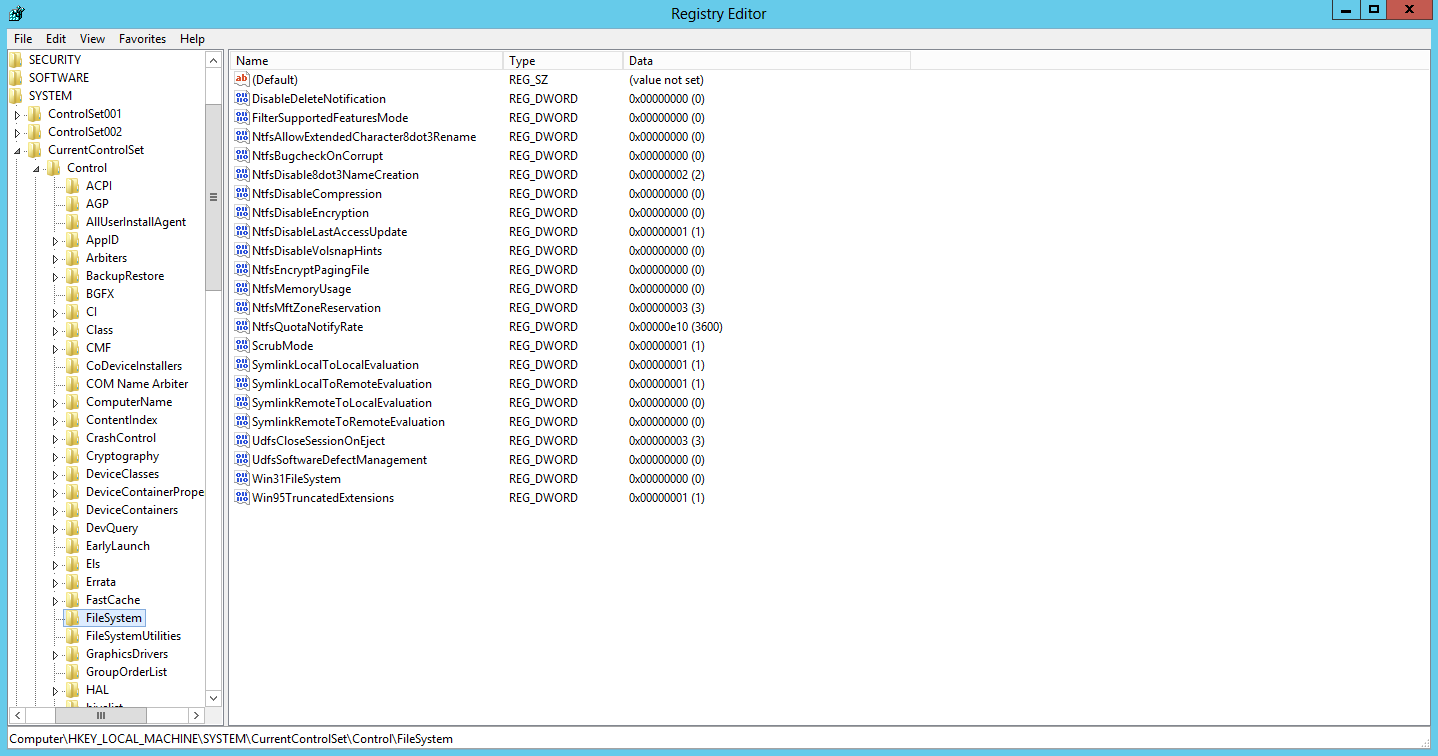
-
If the registry key
NtfsMftZoneReservationdoes not exist there:-
Select Edit > New > DWORD Value to create the key.
-
Right-click the key and select Modify.
-
Enter
3in the Value data field.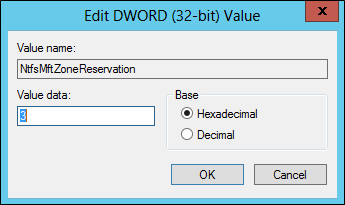
-
-
Reboot the server for the registry changes to take effect.
Next Steps
Continue to the steps in Net TCP.Port Sharing.
