Download Installer
To download the ENPS Platform Installer:
-
Open the ENPS Downloads site.
Contact Us if you need a link for the download site. Include your name and the name of your organization with your request.
-
Log in using your ENPS Downloads site account.
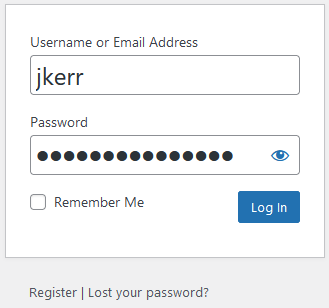
If you haven't yet registered, click Register and enter your details. You will receive a confirmation email confirming your account. Please allow one business day to gain access.
If you've forgotten your password, click Lost your password? and follow the instructions to recover your account.
-
Navigate to the ENPS Core page on the site.
-
Download the ENPS Platform Installer zip file.
-
Save the installer zip file to the root of the Work Drive (usually F:) on the Primary Server and the Buddy Server. If this drive doesn't yet exist then save to the desktop for now.
For example, save to:
F:\ENPS-Core-9-6-0--Platform-Installer-Release-9-6-0-0192.zip
Next Steps
Continue to the steps in Install the Operating System.
